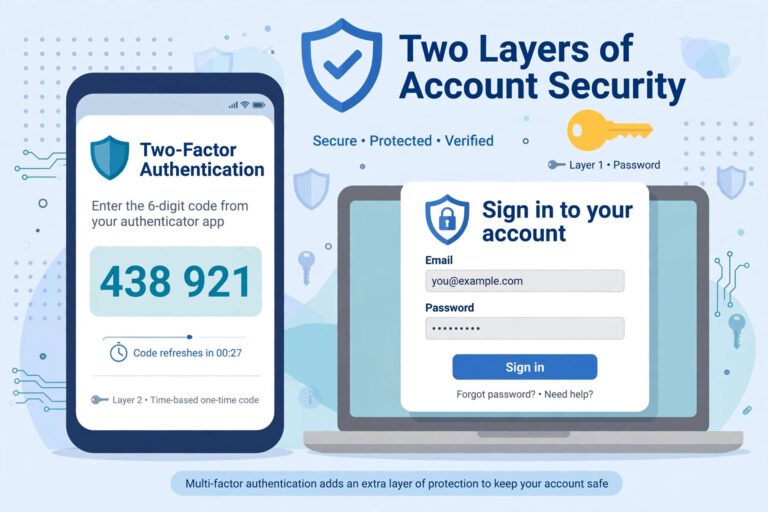
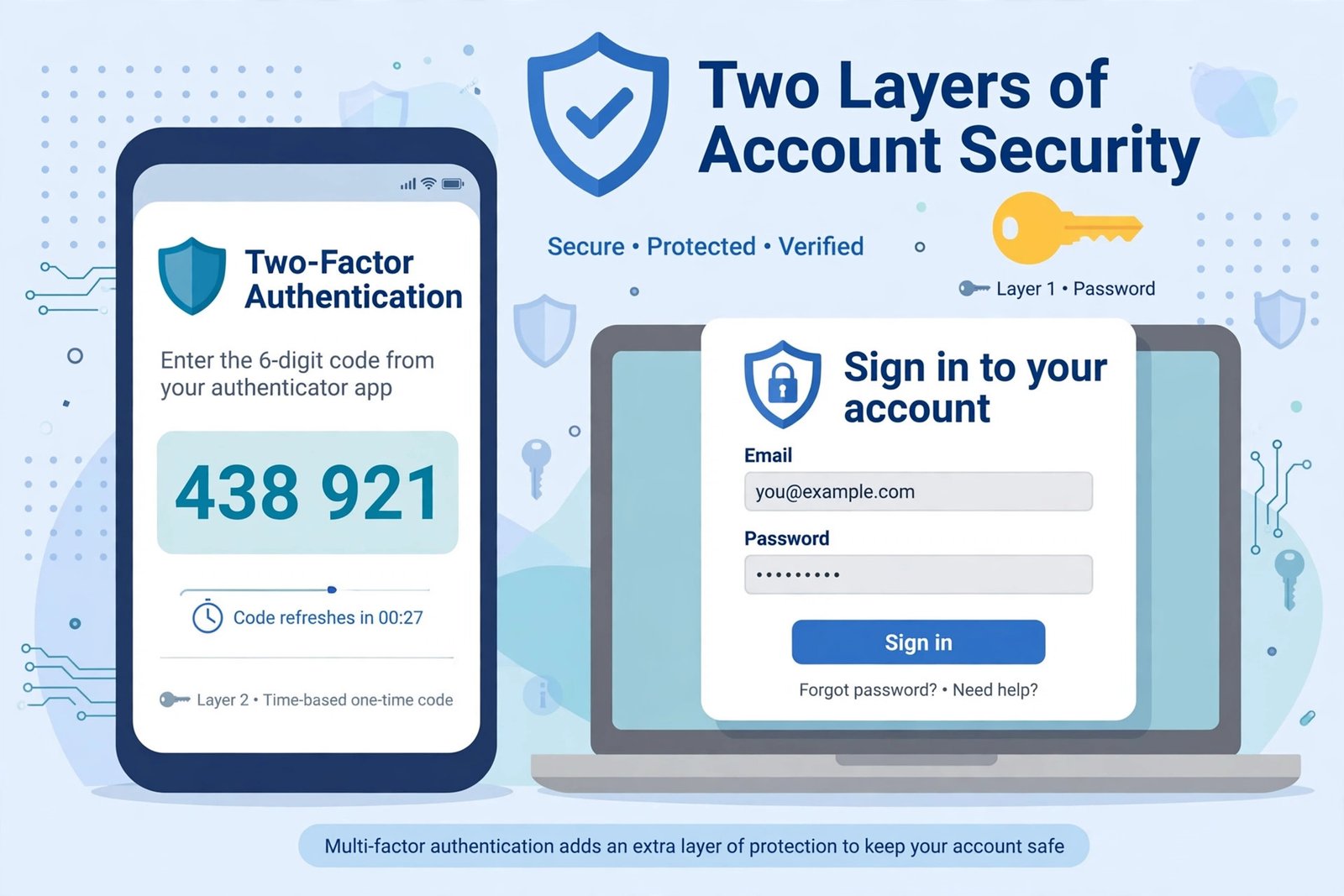
Entering your password is no longer enough to keep an account safe. Passwords get guessed, reused and stolen in data breaches every day, which is why almost every bank, email provider and social network now asks for a second check when you sign in. But the names for that second check are confusing: some services say “two-step verification”, others say “two-factor authentication”, and many people use the terms as if they were identical. If you have searched for what is two factor vs two step, this guide explains the real difference, why it matters, and which option protects you best.
What Is Two-Step Verification?
Two-step verification (2SV) means you complete two separate steps to sign in. Step one is usually your password. Step two is an extra check, most often a code sent to your phone by text message or to your email address. You have proved your identity twice, in two steps.
The important detail is that the two steps do not have to be different kinds of proof. A password plus a code sent to your email are both, in a sense, things you know or can access — if an attacker has taken over your email account, they may be able to pass both steps. Two-step verification is still far better than a password alone, but its strength depends on how independent the second step really is. It is one part of the wider picture of access control: confirming that the person requesting access is genuinely entitled to it.
What Is Two-Factor Authentication?
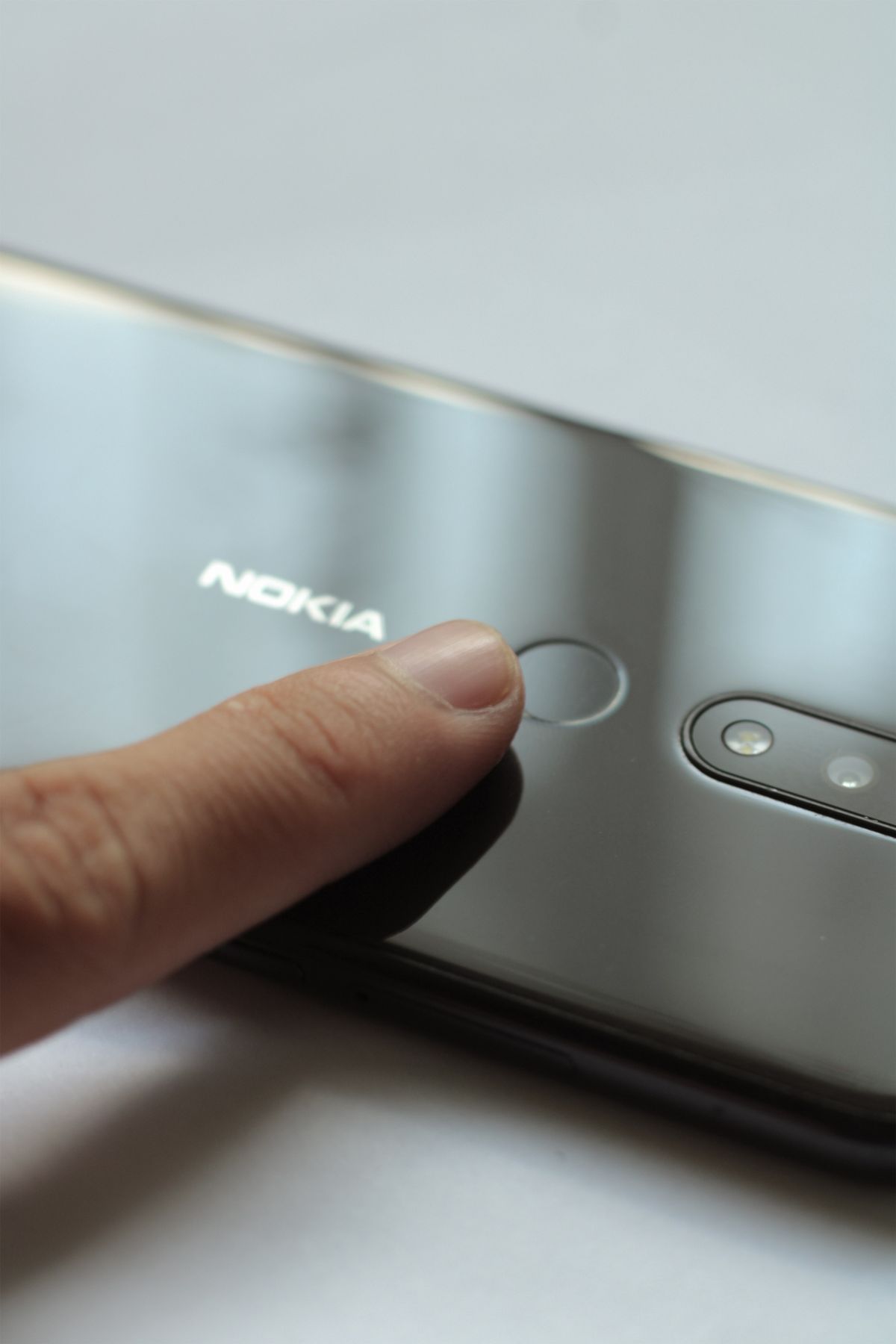
Two-factor authentication (2FA) is stricter. It requires proof from two different categories of authentication factor. A password (something you know) plus a code generated by an app on your phone (something you have) is true two-factor authentication. A password plus a fingerprint (something you are) is also 2FA.
Because the two factors come from different categories, stealing one of them is not enough. A criminal who phishes your password still cannot sign in without your physical phone or security key, and someone who steals your phone still does not know your password. That separation is exactly what makes 2FA the stronger standard, and why security professionals recommend it over plain two-step verification whenever you have the choice.
The Three Authentication Factors
- Something you know — a password, PIN or answer to a security question. Easy to use, but also easy to steal, guess or reuse by mistake.
- Something you have — your phone with an authenticator app, a texted code, or a physical security key. An attacker needs the actual object, not just information.
- Something you are — a fingerprint, face recognition or voice pattern. Hard to copy and always with you, though it depends on your device supporting it.
The rule is simple: using the same factor twice is two steps. Using two different factors is two-factor authentication.
How Two-Step Verification Works in Practice
The most common example is the code your bank or email provider texts you after you enter your password. Google’s “2-Step Verification” is the best-known service using this name: you sign in with your password, then confirm with a prompt or code on your phone. Apple’s verification codes work in a similar way.
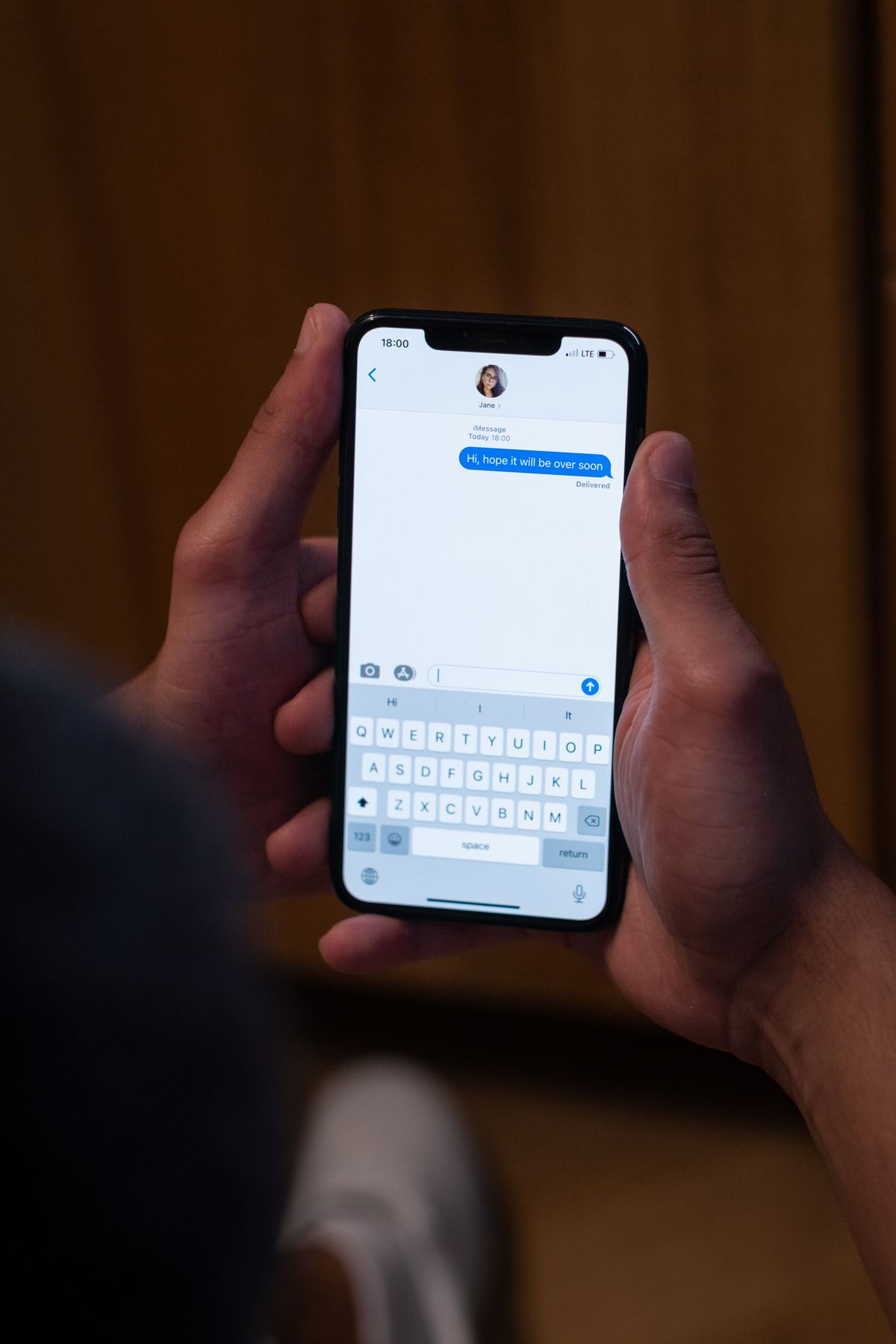
Two-step systems are popular because they are easy to set up and work on almost any phone. Their weakness is the delivery channel. Text messages can be intercepted through SIM-swap fraud, where a criminal convinces a mobile network to move your number to their SIM. Email codes are only as safe as the email account itself. App prompts and codes on a trusted device are stronger, because they depend on a device you physically hold.
How True Two-Factor Authentication Works
With 2FA, the second check comes from a different category. The most common setups are an authenticator app (such as Google Authenticator, Microsoft Authenticator or the codes built into many password managers) generating a time-based code on your device, a push approval tied to your registered phone, or a physical USB or NFC security key you tap to confirm.

Because the code is generated on your device and changes every 30 seconds, there is nothing useful travelling over the phone network for a criminal to intercept. Security keys go further still: they only respond to the genuine website, which makes them highly resistant to phishing pages that copy a login screen.
Two-Factor vs Two-Step: The Key Differences at a Glance
- Number of steps: Both involve two checks. The difference is not the count, it is the type.
- Factor types: Two-step can repeat the same type of proof; two-factor must use two different categories.
- Typical second check: Two-step usually means an SMS or email code; two-factor usually means an authenticator app, device prompt or security key.
- Resistance to attack: Two-factor is stronger against SIM-swap, email takeover and phishing. Two-step still beats a password alone by a wide margin.
- Everyday effort: Both add a few seconds to sign-in. Apps and device prompts are usually quicker than waiting for a text.
Which One Should You Use?
Use the strongest option each service offers, in this order of preference: a security key if you have one, then an authenticator app or device prompt, then an SMS code, and only then an email code. If a service offers only two-step verification by text, turn it on anyway — a stolen password on its own will no longer be enough to break in, which stops the most common attacks.
Protect your most important accounts first: your main email account (because it can reset everything else), online banking, shopping accounts, social media, and your password manager itself. A password manager pairs naturally with 2FA: the manager gives every account a unique, strong password, and the second factor protects the vault and the accounts that support it. Together they close the two easiest doors attackers use — reused passwords and single-step sign-ins.
Common Mistakes to Avoid
- Keeping backup codes in your email or photos: Store recovery codes offline or in your password manager’s secure notes, never in the same account they protect.
- Approving prompts you did not trigger: If a sign-in prompt or code arrives when you are not signing in, deny it and change your password — someone may already have it.
- Using SMS when an app is offered: Switch to an authenticator app where possible to remove the SIM-swap risk.
- Forgetting a backup method: Register a second device or keep printed recovery codes so a lost phone does not lock you out of your own accounts.
- Turning it off because it feels slow: Most apps remember a trusted device for 30 days, so the extra step appears mainly on new devices and sensitive changes.
Frequently Asked Questions
Is two-step verification the same as two-factor authentication?
Not exactly. Every two-factor sign-in happens in two steps, but not every two-step sign-in uses two different factors. A password plus an SMS code is usually classed as two-step; a password plus an authenticator app or security key is two-factor.
Is two-step verification still worth using?
Yes. Even an SMS code means an attacker needs more than your password. It is weaker than app-based 2FA, mainly because of SIM-swap fraud, but it blocks the large majority of automated and opportunistic attacks.
What is the safest second factor?
A physical security key is generally the strongest, followed by an authenticator app or device prompt. SMS and email codes are the weakest options, though both are far better than no second check at all.
Can two-factor authentication be hacked?
No system is perfect. Attackers sometimes use real-time phishing pages that relay codes as you type them, or bombard users with prompts until one is approved. Security keys resist these tricks best, and you should never approve a prompt you did not start.
Conclusion
The difference between two factor and two step comes down to one idea: two steps can repeat the same kind of proof, while two factors must be different kinds. Both are a major upgrade on a password alone. Wherever a service gives you the choice, pick an authenticator app or security key, set up recovery codes before you need them, and start with your email and banking accounts. Those few minutes of setup are some of the most effective protection you can give every other account you own.
About the Author