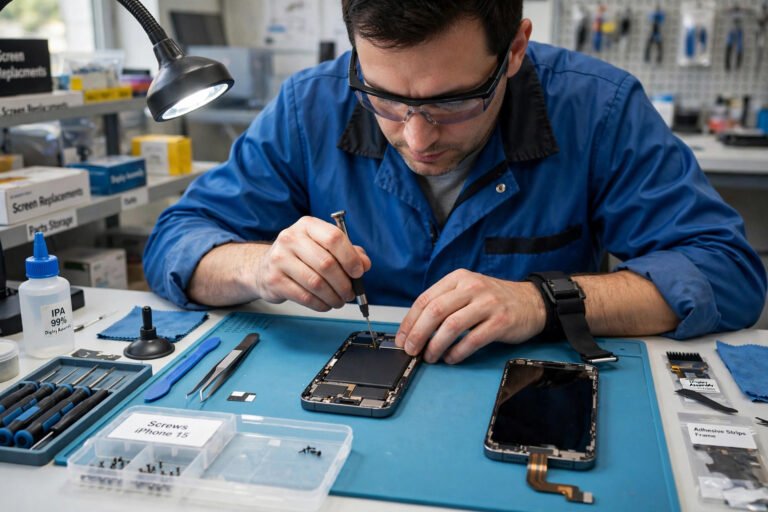
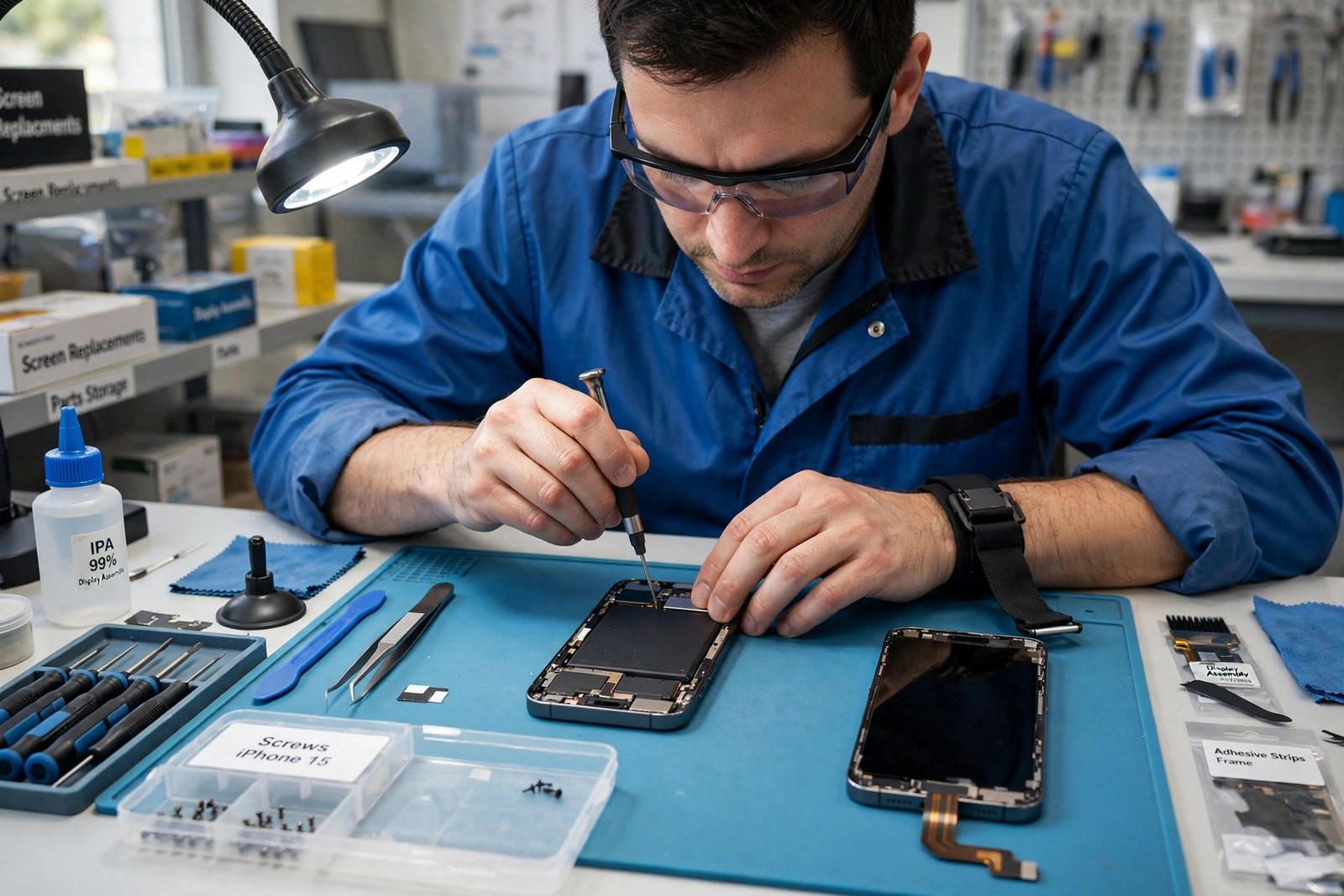
A cracked screen, a battery that fades by lunchtime, or a charging port that only works when the cable is held at just the right angle — most phone problems are annoying long before they are serious. Phone repair is often the quickest and least wasteful way back to a working handset, but it is also a moment when you hand a device full of personal information to a stranger. This guide walks through the decision in the right order: what is probably wrong, whether repair or replacement makes more sense, how to choose a repairer you can trust in the UK, what to do before you hand the phone over, and what to check when you get it back.
The goal is not to turn you into a technician. It is to help you ask the right questions, spot vague answers, and avoid the two most common regrets: paying for a repair that does not last, and losing photos, messages or account access in the process. A little preparation before the repair usually matters more than anything that happens on the workbench.
Common Phone Faults and What They Usually Mean
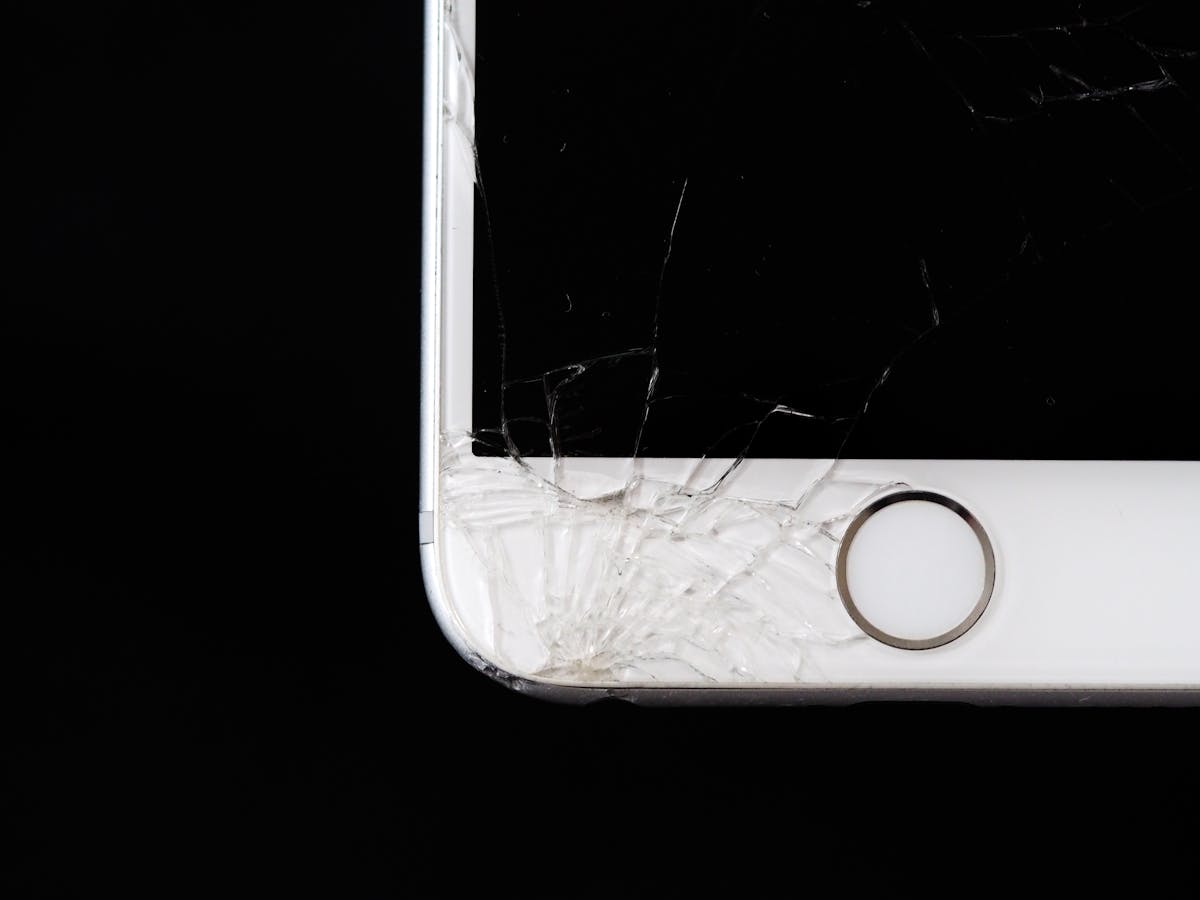
Not every fault needs the same kind of repair, and knowing roughly what category your problem falls into helps you judge whether a quote sounds sensible. Screen damage is the most familiar job: a cracked outer glass, a display that flickers or shows lines, or touch that stops responding in one area. These can have different causes, so a good repairer will check whether the display itself is damaged or only the glass, and will explain what they plan to replace before they start work.
Battery problems are the next most common complaint. A phone that shuts down unexpectedly, swells slightly, gets unusually hot, or needs charging far more often than it used to may have a battery reaching the end of its useful life. A swollen battery deserves prompt attention and should not be ignored, bent, punctured or charged repeatedly in the hope that it improves. Charging faults, by contrast, are not always about the battery at all: a loose port, lint and debris in the port, a worn cable or a faulty charger can all mimic battery failure, so it is worth trying a known-good cable and charger before assuming the worst.
Other frequent faults include buttons that stick or stop responding, speakers and microphones that sound muffled on calls, cameras that will not focus or show spots and haze, and water damage after a drop in a sink, bath or puddle. Water damage is the least predictable job of all, because corrosion can develop over time and a phone that seems fine after drying out may develop faults later. A reputable repairer will be honest about that uncertainty rather than promising a guaranteed fix. Finally, remember that some problems are software problems wearing a hardware disguise: a phone that crashes, freezes or drains quickly after an update may need a settings check, an app removed, or a software reset rather than a new part.
Repair or Replace: How to Decide
The repair-versus-replace question is rarely just about the repair itself. Start with the phone as a whole. If the handset is otherwise in good condition, runs the apps you need, still receives software and security updates, and the fault is a single, well-understood job such as a screen or battery, repair is usually the sensible first option. You keep a phone you already know, you avoid the hassle of moving everything to a new device, and you avoid discarding a device that still has useful life in it.
Replacement starts to make more sense when several things are wrong at once, when the phone is already struggling with everyday tasks, when it no longer receives updates, or when the repair would only fix one fault while others remain. It also matters how much you rely on the phone: if it is essential for work, banking or caring responsibilities, a repair with an uncertain outcome may cost more in disruption than it saves. Ask the repairer directly whether the repair is likely to restore the phone fully, whether other faults are visible, and whether they would repair the same phone themselves in your position. An honest answer to that last question is often more useful than any sales pitch.
There is also a practical middle ground that people overlook: repair now and plan replacement later. A battery replacement, for example, can buy many more months of comfortable use while you choose a new phone at leisure rather than in a panic after a failure. The same applies to a screen repair on a phone you intend to hand down to a family member. The key is to make the decision deliberately, with a clear quote in hand, rather than agreeing to the first option offered while standing at a counter.
Choosing a Reputable Repairer in the UK
You generally have three broad choices: the phone manufacturer or its authorised repair network, a well-established independent repair shop, and a mobile or mail-in repair service. Manufacturer and authorised routes tend to be the most straightforward for phones still under warranty, and they are usually the safest choice when a fault may be covered. Independent shops are often faster and more flexible, especially for older phones, out-of-warranty faults and jobs the manufacturer no longer supports. Neither route is automatically better; what matters is the reputation and transparency of the particular business in front of you.
Before committing, look for signs of a serious operation. A clear business name and address, a phone number that is answered, recent reviews that mention specific jobs rather than only generic praise, and a willingness to explain the repair in plain language are all good signs. Be cautious of shops that cannot say what part they will fit, how long the repair should take, what the total cost will be, or what warranty applies. Vague answers on those four points are a reason to walk away and get a second opinion, not a reason to hope for the best.
Ask about parts quality in plain terms. Replacement parts vary, and a repairer should be able to tell you whether they fit manufacturer parts, high-quality compatible parts, or refurbished parts, and what difference that makes to appearance, performance and warranty. The cheapest quote is not always the best value if it uses a dimmer screen, a less responsive touch panel or a battery that fades quickly. Similarly, ask whether there is a diagnostic charge if you decide not to proceed, whether the quoted price includes everything, and whether you will be contacted before any additional work is carried out. A repairer who agrees to that in advance is showing respect for your money and your phone.
It is also worth asking how the shop handles data and privacy. A professional repairer should have a clear answer: they should not need to browse your photos, messages or accounts to fix a screen or a battery, and they should be able to explain why they might need the phone unlocked for testing and what happens to that access afterwards. If a shop seems casual about your data, or asks for passwords you do not think they need, that is a warning sign worth taking seriously.
Before You Hand Your Phone Over

Preparation takes a few minutes and protects you against the worst outcomes. First, back up everything that matters: photos, videos, contacts, messages, documents and any app data that is not already synced. Use the backup method your phone already offers, and check that the backup actually completed before you leave the shop. A backup you assume exists is not a backup. If you use cloud backup, confirm that recent photos and files are included, not only older ones.
Second, record the condition of the phone. Take clear photos of every side, the screen, the back and any existing scratches, dents or marks, and note any faults that already exist. This protects both you and the repairer if there is any later disagreement about whether a mark was already there. Remove the SIM card and any memory card unless the repairer specifically needs them for testing, and make a note of any accessories you leave behind, such as a case or charger.
Third, think about accounts and locks. Some repairs require the phone to be unlocked for testing, while others do not. Ask in advance, and only disable a lock or sign out of an account if the repairer explains why it is needed and you are comfortable doing so in the shop. Never share your main account password casually, and if you do need to provide temporary access, change it as soon as the phone is back in your hands. This is also a good moment to make sure you can still sign into your important accounts from another device, so a repair delay never locks you out of email, banking or work systems.
Finally, get the agreement in writing before work starts. A proper job sheet or receipt should record your name and contact details, the phone model and identifying details, the fault as you described it, the work agreed, the parts to be fitted, the total cost, the expected timescale, and the warranty terms. Read it before you sign. If anything discussed verbally is missing from the paper, ask for it to be added. That single habit prevents most misunderstandings.
What to Check When You Get Your Phone Back

Do not rush out of the shop with the phone in a bag. Test it at the counter while the repairer is still there. Work through the functions that matter to you: touch across the whole screen, including the corners and edges; the display for dead spots, discolouration or uneven brightness; the earpiece, loudspeaker and microphone on a test call; the front and rear cameras, including focus and flash; charging with a cable; buttons, fingerprint or face unlock if fitted; and mobile signal and wireless connections. If anything feels different from before, raise it immediately rather than discovering it at home.
Also check the physical condition of the phone against the photos you took before the repair. Look for new scratches, gaps around the screen edge, a screen that sits unevenly, or a back panel that no longer sits flush. Minor cosmetic differences can happen with some repairs, but they should be pointed out to you, not discovered by you. Ask the repairer to confirm what was replaced, whether any water resistance may have changed after opening the phone, and whether there is anything you should avoid doing in the first day or so, such as exposing a newly fitted screen to heavy pressure.
Before you leave, confirm the warranty in writing: what it covers, how long it lasts, what would void it, and how to claim if the same fault returns. Keep the receipt and any warranty paperwork somewhere safe, and keep a note of the repair date. If a fault returns, contact the repairer promptly and politely, describe what has changed, and refer to the paperwork. Early, calm contact gives a good shop the chance to put things right, and it creates a clear record if the matter needs to go further.
Warranties, Guarantees and Your Rights
There are two different protections to keep separate: the repairer’s own warranty, and your rights under UK consumer law. The repairer’s warranty is a promise from that business, and its value depends entirely on its terms. A vague promise of a guarantee means little; a written warranty that states its length, what it covers, and what it excludes means a great deal. Ask specifically whether it covers both parts and labour, whether it covers only the fault repaired or the part fitted, and whether accidental damage afterwards is excluded. If the terms are not written down, treat the warranty as uncertain.
Separately, UK consumer law requires services to be carried out with reasonable skill and care, and gives you rights if a repair is faulty, causes further damage, or is not done as agreed. You do not need to quote legislation at a counter to benefit from this, but it is useful to know that the law sits behind the repairer’s own warranty rather than replacing it. Keep your receipt, keep any messages about the job, and keep a dated note of what went wrong and when. Clear records make any later conversation far easier, whether it is resolved by the shop directly or needs a further step.
Manufacturer warranty deserves a separate check. If your phone is still within its manufacturer warranty, an unauthorised repair may affect that cover, so ask the manufacturer or an authorised repairer first when a fault might be covered. For older phones outside warranty, that concern usually falls away, and a good independent repair becomes the natural choice. The principle is the same either way: understand which warranty applies before work starts, not after a dispute begins.
Keeping Your Data Safe Around a Repair
A phone repair is also a data-safety exercise. Backups are the foundation, but account security comes next. When you sign back into accounts on a repaired phone, use a unique password for each important account rather than reusing one password everywhere, so a problem with one account never opens all the others. A password manager creates and stores strong, unique passwords for you, which is especially useful when you are resetting access after a repair.
It is also worth reviewing the extra security on your most important accounts after a repair, particularly email and banking, because those accounts can be used to reset others. A guide to two-factor verification explains the difference between two-factor and two-step checks and why the stronger option is worth enabling where it is offered. If anything about your accounts looks unfamiliar after a repair, such as a new sign-in you do not recognise, change the password promptly and review the account activity from a trusted device.
If a phone cannot be repaired and you decide to recycle, sell or donate it, do not simply hand it over with your data still on it. Back up what you need, sign out of your accounts, remove any memory card, and use the phone’s factory reset option, following the manufacturer’s guidance for removing account locks so the next owner can actually use the device. If the phone will not switch on at all, tell the recycler or buyer honestly that data could not be wiped, and choose a reputable route that offers secure destruction or refurbishment rather than leaving the device in a drawer indefinitely. Data safety is not an extra step at the end of a repair; it is part of the repair itself.
When Repair Is Not the Right Answer
Sometimes the honest advice is not to repair. A phone with extensive water damage, a bent frame, multiple failing components, or a fault that returns after a previous repair may cost more in repeated visits than it is worth, even when each individual quote sounds reasonable. The same applies when a repair would leave you with a phone that still cannot run the apps you need or receive security updates. In those cases, repairing for a short extension of life can still be rational if you need time to choose a replacement, but it should be a conscious short-term decision, not an open-ended series of fixes.
If you do replace the phone, think about what happens to the old one. Many retailers, manufacturers and recycling schemes accept old phones, and some refurbishers can reuse parts even from a phone that is not worth repairing as a whole. Remove your data first, as described above, and keep any proof of recycling or trade-in. A phone that is repaired, reused or properly recycled is a better outcome, for your wallet and for waste, than one that sits forgotten in a drawer while you pay for a new device.
Frequently Asked Questions
Should I try to repair my phone myself?
Simple tasks such as clearing a charging port of lint or replacing a case are fine for most people. Internal repairs, especially battery and screen replacement on modern sealed phones, are much harder than they look: they need the right tools, care with fragile cables and adhesives, and attention to battery safety. A mistake can damage the phone further or create a safety risk, so for most owners a professional repair is the safer and ultimately cheaper choice.
How long does a phone repair usually take?
It depends on the fault, the phone model, and whether the part is in stock. Common screen and battery jobs are often completed the same day by a shop that holds the part, while less common faults, mail-in repairs, or jobs that need a part ordered in can take longer. Ask for a realistic timescale before you leave the phone, and ask to be contacted if the timescale changes, so you are not left without a phone unexpectedly.
Will a repair affect my phone’s water resistance?
Opening a phone can affect the seals that help resist water and dust, even when the repair itself is done well. A good repairer will be honest about this and will not promise that water resistance is unchanged unless they can genuinely stand behind that claim. Treat a repaired phone more carefully around water than a brand-new one, and do not rely on it surviving submersion after any internal repair.
What should I do if the same fault comes back after a repair?
Contact the repairer promptly, explain what has happened and when, and refer to the warranty paperwork you were given. Do not attempt a second repair elsewhere before giving the original repairer a chance to inspect the phone, as that can complicate a warranty claim. Keep your receipt and any messages about the job, and make a dated note of the fault returning, so the timeline is clear if the matter needs to be discussed further.
Conclusion
Good phone repair comes down to a short checklist: understand the fault, decide honestly whether repair or replacement fits the phone as a whole, choose a repairer who explains parts, price, timescale and warranty in writing, back up and photograph the phone before you hand it over, test it thoroughly at the counter, and keep your accounts secure throughout. None of those steps is complicated on its own, but together they turn a stressful handover into a routine job. Your phone holds your photos, your contacts, your banking and your daily life, so it deserves a repair process that treats all of that with care, not just the cracked glass on the outside.
About the Author