
Fibre internet has become the standard way most UK households get online, yet the term itself causes a surprising amount of confusion. Advertisements talk about fibre, superfast and full fibre as though they mean the same thing, while the connection arriving at your home may be fibre all the way, fibre most of the way, or fibre only as far as a cabinet down the street. Those differences matter, because they affect the speeds you can actually expect, how stable your connection feels at busy times, and whether a package is genuinely an upgrade on what you already have. This guide explains fibre internet in plain terms: what it is, how the main types differ, what affects real-world performance, and how to choose a package that suits your household rather than simply picking the fastest-sounding option.
At its simplest, fibre internet uses thin strands of glass or plastic, known as optical fibres, to carry data as pulses of light. Light travels through those strands with far less signal loss over distance than electrical signals travelling through traditional copper telephone wires, which is why fibre connections can carry far more data, far more reliably, than older broadband technologies. The result is a connection better suited to modern household life, where several people may be streaming video, joining video calls, gaming, studying and working from home at the same time. Fibre is not a single product, though, and understanding where the fibre actually runs is the key to understanding what you are buying.
What Fibre Internet Actually Is
Traditional broadband sent data over copper telephone lines, which were originally designed for voice calls rather than for carrying large amounts of data. Copper works, but its performance falls away noticeably over longer distances, and it is more vulnerable to interference and deterioration. Fibre, by contrast, was designed for data from the start. Because it carries signals as light, it can move a much larger volume of information, maintain its quality over longer runs, and support the kind of always-on, multi-device household that is now normal. That is the fundamental reason fibre has replaced copper as the backbone of modern broadband networks, even where the final stretch into a home still uses older wiring.
It helps to think of a broadband connection as a journey with several stages: from the wider internet, through a provider network, to a local exchange or cabinet, and finally into your home and to your router. Fibre may be used for some or all of those stages, and the stages that still rely on copper are usually where performance limits appear. A connection described simply as fibre may therefore be excellent, adequate or disappointing depending on how much of that journey is actually fibre. This is why two neighbours, both told they have fibre, can have quite different experiences, and why the small print describing the type of fibre matters more than the headline label.
FTTC and FTTP in General Terms
The two terms you will meet most often are FTTC and FTTP. FTTC stands for fibre to the cabinet, and it describes a connection where fibre runs as far as a street cabinet, with the final stretch from the cabinet to your home carried over existing copper telephone wiring. That final copper stretch is usually relatively short compared with the old journey all the way back to an exchange, so FTTC is generally a substantial improvement over older broadband, but its performance still depends on the length and condition of that copper section. Homes close to a cabinet tend to do better than homes further away, which is one reason FTTC speeds can vary a great deal from street to street.
FTTP, also called full fibre, stands for fibre to the premises. In this case the fibre runs all the way into your home or building, with no copper telephone line forming part of the connection in the usual sense. Removing that copper section removes one of the main bottlenecks and sources of variability, so full fibre connections tend to offer higher top speeds, more consistent performance, and greater headroom for future increases. If you have a choice between the two, full fibre is generally the stronger option, although availability depends on whether the network in your area has been upgraded, and some properties, particularly flats and older buildings, may face practical complications during installation.
You may also see other terms used loosely in marketing, including part-fibre, fibre broadband and ultrafast, and these do not always map neatly onto FTTC and FTTP. The safest approach is to look past the label and ask, in plain language, whether the fibre reaches your premises or only a nearby cabinet, and what speed range you can realistically expect at your address. A provider should be able to give you an address-specific estimate, and that estimate is far more useful than a national headline figure, because your line, your distance from the cabinet where relevant, and your local network all shape what you will actually receive.

Speeds: What They Mean in Everyday Life
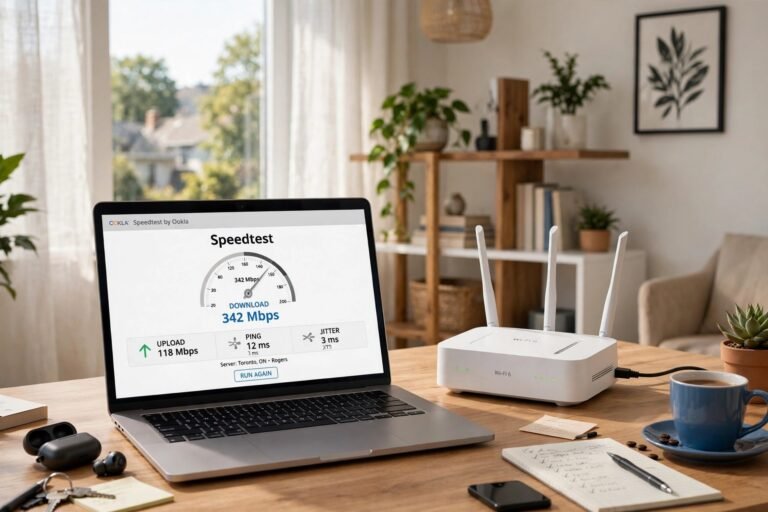
Speed is usually discussed in terms of download and upload. Download speed governs how quickly data reaches your devices, and it shapes everyday activities such as loading web pages, streaming video, downloading files and updating apps. Upload speed governs how quickly data leaves your devices, and it matters for video calls, sending large files, backing up photos and videos to the cloud, and live streaming. Many home connections offer faster downloads than uploads, because most household activity is download-heavy, but a household that works from home or makes frequent video calls will notice upload performance far more than a household that mainly streams and browses.
Beyond raw speed, responsiveness matters too. Latency, often called ping, is the delay before data starts to move, and it affects how snappy a connection feels: how quickly a page begins to load after a click, how natural a video call feels, and how responsive an online game is. A connection can have a generous download speed yet still feel sluggish if its latency is high or unstable. Fibre generally helps here as well, because a cleaner, more direct signal path tends to produce steadier latency, but latency also depends on routing, congestion and the quality of your home network, so it is worth judging a connection by how it feels in use, not by a single speed figure alone.
What counts as enough speed depends entirely on how your household uses the internet. A single person who mainly browses, emails and watches occasional video will need far less capacity than a family where several people stream at once, join video meetings, game online and study from home. Higher picture quality in streaming, larger file downloads, and simultaneous use all add up, so the right question is not what the fastest package is, but what your household does at its busiest, and whether the package leaves comfortable headroom for that peak. A connection that copes easily at its busiest will feel relaxed all day; a connection that only just copes will feel strained whenever everyone comes online together.
What Affects Real-World Performance
Advertised speeds describe what a connection can achieve under favourable conditions, while real-world speeds reflect everything between the network and your screen. With FTTC, the length and condition of the copper final stretch is a major factor, as is the quality of the internal wiring inside your home. Old or damaged telephone wiring, poor connections and long internal cable runs can all reduce the speed that actually reaches your router, even when the fibre section itself is performing well. With full fibre, those particular limits largely disappear, but other factors still apply, and they are worth understanding before you blame a provider for a slow experience.
Your home wifi is the most common cause of disappointing real-world performance, and it is also the most misunderstood. Wifi speed falls with distance from the router, with walls and floors in between, and with interference from neighbouring networks and household electronics. A device in the same room as the router will usually perform far better than the same device two rooms away, and that difference reflects the wireless signal, not the fibre coming into your home. Testing over a wired connection, where possible, is the simplest way to separate a broadband problem from a wifi problem, and it often reveals that the fibre itself is healthy while the wireless coverage needs attention.
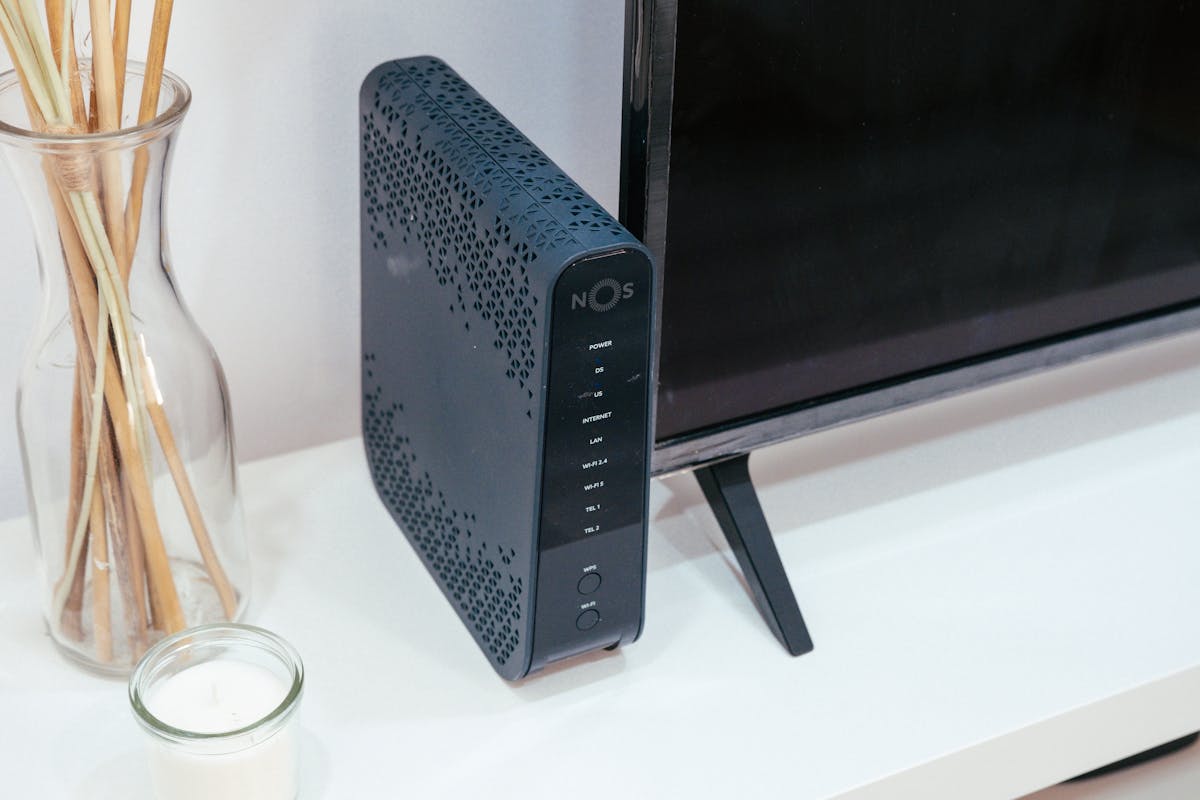
The router itself plays a larger role than many people realise. An ageing router may not make full use of a modern fibre connection, particularly over wifi, and its position matters just as much as its age. A router tucked behind a television, inside a cupboard or at one far end of a house will struggle to cover the whole home, however good the incoming connection is. Placing the router centrally, elevated and in the open, away from thick walls, metal objects and other electronics, is a simple step that often improves performance noticeably. Keeping the router software up to date, and restarting it occasionally, also helps clear temporary faults that can quietly degrade performance over time.
Congestion is another real factor, and it operates at two levels. Inside your home, several devices streaming, gaming and downloading at once share the same connection, so a speed that feels ample for one person can feel thin when the whole household is online. Beyond your home, networks are busiest in the evening, when many households come online together, and speeds can dip at peak times even on a healthy connection. A pattern of evening slowdowns that recover at quieter times points towards shared load rather than a fault with your line, and the practical responses, such as staggering large downloads or improving wifi coverage, may differ from those for a fault that affects you at all hours.
Finally, the device you are using sets a ceiling of its own. An older phone, tablet or laptop may not support the latest wifi standards or process data fast enough to use a fast fibre connection fully, and a test run on such a device can understate what your broadband is actually delivering. If a modern device wired directly to the router performs well while an older device over wifi in another room struggles, the evidence points towards the device and the wireless signal rather than the fibre. Checking the same activity on different devices, in different rooms, is a straightforward diagnostic habit that saves a great deal of guesswork.
Choosing a Fibre Package
Choosing a package starts with an honest look at your household. Count the people who use the internet regularly, the devices they use, and the activities that matter most: streaming in high quality, video meetings for work or study, online gaming, large downloads, and cloud backups. A household with heavy simultaneous use needs more headroom than a household with light, occasional use, and a household that depends on video calls should pay particular attention to upload performance and stability, not just the headline download figure. Choosing for your busiest hour, rather than your average hour, is the simplest way to avoid a package that feels fine most of the day and frustrating when it matters most.
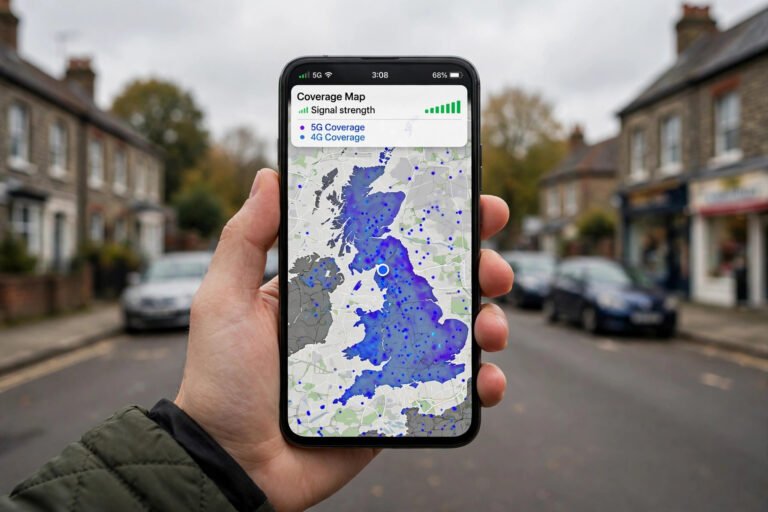
Next, check what is actually available at your address. Fibre availability varies by street and sometimes by property, and a package advertised nationally may not be available where you live, or may deliver a different speed range at your address than the headline suggests. Ask for an address-specific estimate, confirm whether the connection is full fibre or fibre to the cabinet, and check whether installation involves any work inside your property, particularly if you live in a flat or a rented home where permission may be needed. These practical details matter as much as the package name, and they are far easier to clarify before you sign up than afterwards.
Contract terms deserve the same attention as speeds. Look at the length of the contract, what happens when any introductory period ends, whether the monthly cost changes during the term, and what flexibility you have if your circumstances change. Consider the total cost over the full contract, including any set-up or equipment charges, rather than judging a package by its first months alone. Also consider what support is offered if something goes wrong, and whether the provider supplies a modern router or expects you to use your own. A slightly less eye-catching package with clear terms and reliable support is often better value in practice than a headline deal that becomes expensive or inflexible later. See our guide to broadband offers for comparing UK broadband deals and contract terms, which complements the package-choosing advice here.
It is also worth thinking about future needs, not just present ones. Households tend to add devices rather than remove them, streaming quality tends to rise rather than fall, and working or studying from home can become a larger part of life unexpectedly. A package with comfortable headroom today is more likely to still feel comfortable in a year or two, while a package chosen tightly for today’s use may start to feel cramped sooner than expected. That does not mean always buying the fastest package available, which may be far more than you will ever use, but it does mean avoiding a false economy: the cheapest package that barely copes is rarely the best value once frustration, upgrades and early-exit complications are counted.
Installation and Getting Set Up
Installation varies depending on the type of fibre and whether your property has been connected before. In some cases, particularly where fibre to the cabinet is already available, set-up may be largely a matter of activating the service and connecting a new router. Full fibre installation may involve running a new cable into the property, which can require an appointment and access to the outside of the building as well as a suitable entry point inside. Asking in advance what the visit involves, how long it may take, and where the equipment will be placed helps avoid surprises, and it lets you plan the router position with coverage in mind rather than accepting wherever happens to be most convenient for the installer.
Once you are connected, a few set-up steps make a real difference. Place the router thoughtfully, as described above, and give your wifi network a strong, unique password that you do not reuse elsewhere. Keeping that password safe matters, because your wifi password protects every device on your home network. A password manager creates and stores strong, unique passwords, which makes managing your broadband account and wifi credentials far easier and safer. If you later need to adjust router settings, for example to change the wifi name or check connected devices, it helps to know how to log in to your router admin page — that guide walks through reaching your router settings step by step.
After set-up, test the connection in a sensible way: try a wired test first to establish what the fibre itself delivers, then test over wifi in the rooms where you actually use the internet, at different times of day. Note the pattern rather than a single result, because speeds naturally vary with time, device and location. If the wired result is healthy but wifi is poor in certain rooms, focus on coverage. If the wired result itself is consistently disappointing, check cables and router placement first, then contact your provider with your test pattern to hand, including when you tested and whether you were wired or wireless. That evidence makes any support conversation far more productive than a complaint based on a single slow evening.
Improving Fibre Performance at Home
If your fibre connection is healthy at the router but feels slow in parts of your home, the fix is usually local. Repositioning the router, moving stationary devices such as smart televisions or desktop computers onto a wired connection where possible, and reducing the number of devices competing for the same wifi signal at the same time all free capacity for the devices that genuinely need wireless. In larger homes, a single router may simply not cover every room well, and that is a coverage problem with local solutions rather than a broadband fault. Separating the question of broadband quality from the question of wifi coverage is the single most useful habit for anyone troubleshooting a home connection.
Good household habits help too. Scheduling very large downloads and cloud backups for quieter hours, pausing automatic updates during important video calls, and closing streaming services that are running unwatched in the background all reduce unnecessary load. None of this requires technical expertise, and none of it means accepting a poor connection: it simply recognises that a shared connection is a shared resource, and that managing peak demand is part of getting the best from any package. If, after those steps, the wired baseline itself remains poor across devices, cables and times of day, the evidence points more strongly towards the line or the provider network, and a support conversation is the right next step.

Frequently Asked Questions
Is full fibre always better than fibre to the cabinet?
In general, yes, because full fibre removes the copper final stretch that limits and varies FTTC performance, giving higher top speeds and more consistent results. Whether the difference matters to you depends on your household use and on what is available at your address, so an address-specific estimate is more useful than a general claim.
Will fibre internet fix my wifi problems?
Not necessarily. Fibre improves the connection coming into your home, but wifi problems caused by distance, walls, interference or router position can persist even on an excellent fibre connection. Test over a wired connection first to separate broadband performance from wifi coverage, then address whichever one is actually causing the problem.
Do I need the fastest package available?
Usually not. The right package is the one that handles your household at its busiest with comfortable headroom, including simultaneous streaming, video calls and gaming where relevant. Paying for far more capacity than you will use is rarely good value, while choosing a package that only just copes at peak times often leads to frustration.
What should I check before switching to fibre?
Check what type of fibre is available at your address, what speed range you can realistically expect there, the full contract terms and total cost over the term, and what installation involves for your property. Confirming those points before you commit avoids most of the common disappointments with a new connection.
Conclusion
Fibre internet is, at heart, a simpler idea than its marketing suggests: data carried as light through optical fibres, rather than as electrical signals through copper, giving a faster, steadier and more capable connection for modern households. The important distinction is how far that fibre runs, with full fibre to the premises generally offering the strongest and most consistent performance, and fibre to the cabinet offering a substantial improvement that still depends on its copper final stretch. Real-world performance then depends on your home wifi, your router, your devices and the demands of your household at its busiest, all of which are within your influence to a surprising degree. Choose a package for your busiest hour, check availability and terms at your address, set the router up thoughtfully, and test sensibly before judging the result. Done that way, fibre internet stops being a confusing label and becomes what it should be: a reliable foundation for everything your household does online.
About the Author